01 / CHOOSE
Find your perspective.
Browse nature, motivational, spiritual and festival artwork. Keep favorites close, or bring a photo from your own gallery.
A quiet sunrise for your mornings. A familiar photo for your evenings. Give your home and lock screens a rhythm of their own.
Explore the limited test ↗Meet the collectionAndroid 8.0+ · Everyday features work without an account
01 / CHOOSE
Browse nature, motivational, spiritual and festival artwork. Keep favorites close, or bring a photo from your own gallery.
02 / PLAN
Set a one-time change or a recurring weekday schedule. Choose one wallpaper or rotate a collection, with separate home and lock targets.
03 / ENJOY
Saved artwork stays available offline. Check local history and revisit a favorite whenever you feel like a change.
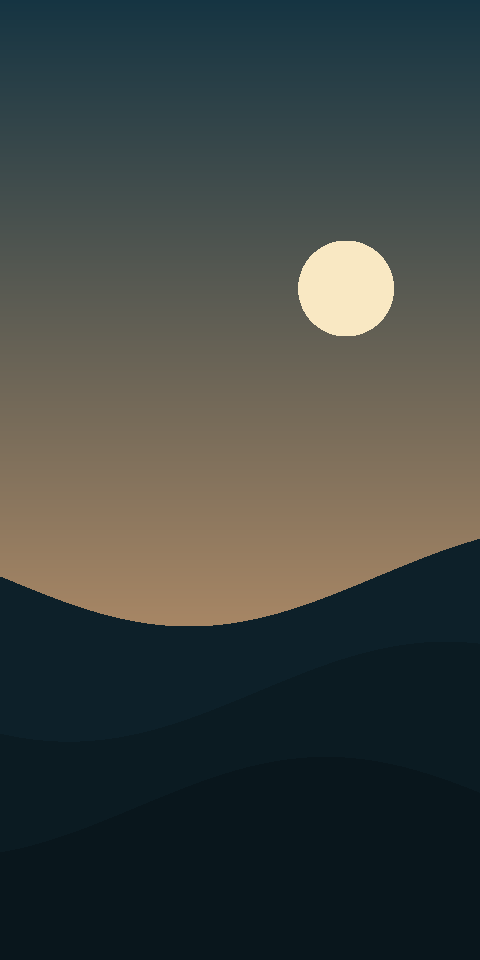
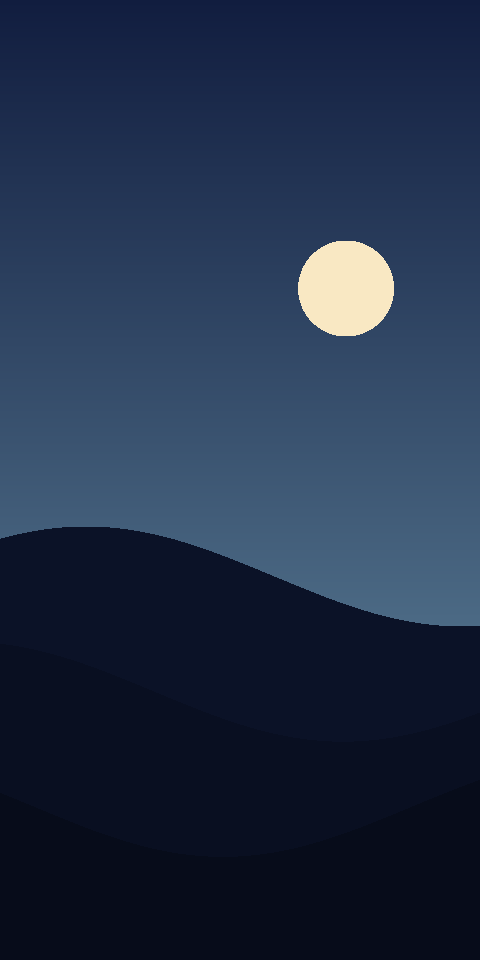
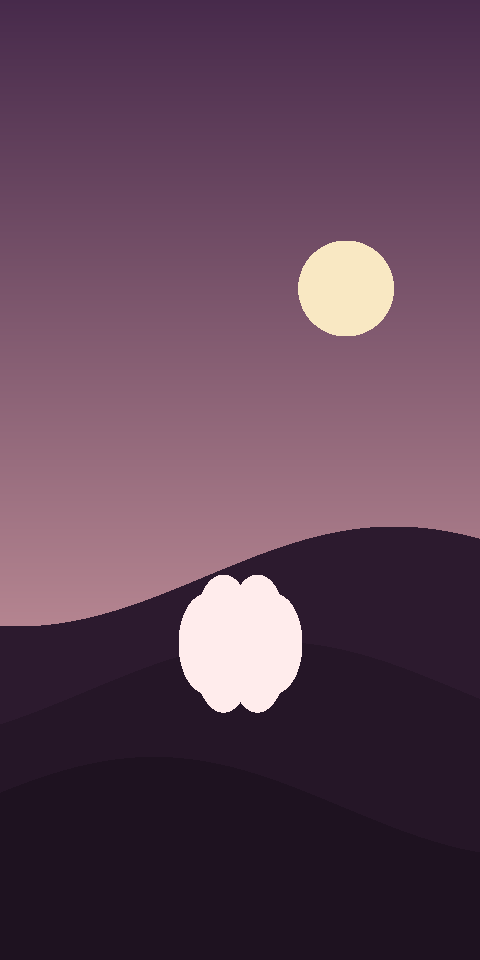
Original illustrated landscapes, soft colors and everyday inspiration. These are actual wallpapers included in the current app.
Nitya Canvas is preparing for a limited Android test. A public Play Store download is not available yet. Contact us for test availability or to share feedback.
Ask about the Android test ↗Personalized cloud AI greeting cards are in development and are not available in this test. No payments or paid AI services are enabled.
The bundled collection, gallery images, favorites, history and schedules work without signing in. Cached wallpapers work offline. Optional cloud services require a separately configured build.
Android schedules work around battery and device restrictions. Your selected time is a preferred time; Doze and manufacturer settings can delay changes. Force-stopping the app prevents scheduled work until you reopen it.
The current test copies only photos you choose into private on-device storage. Gallery photos and their history are not uploaded. Future cloud AI processing will require a separate, explicit consent flow.
You can choose the home screen, lock screen or both. Lock-screen behavior depends on your Android device and launcher. Please include your device model in feedback.